
TailTheme React admin template
Lite and Full share one design system — React 19, Vite, and Tailwind CSS v4. Clone from GitHub, open the live demo, or explore Figma.
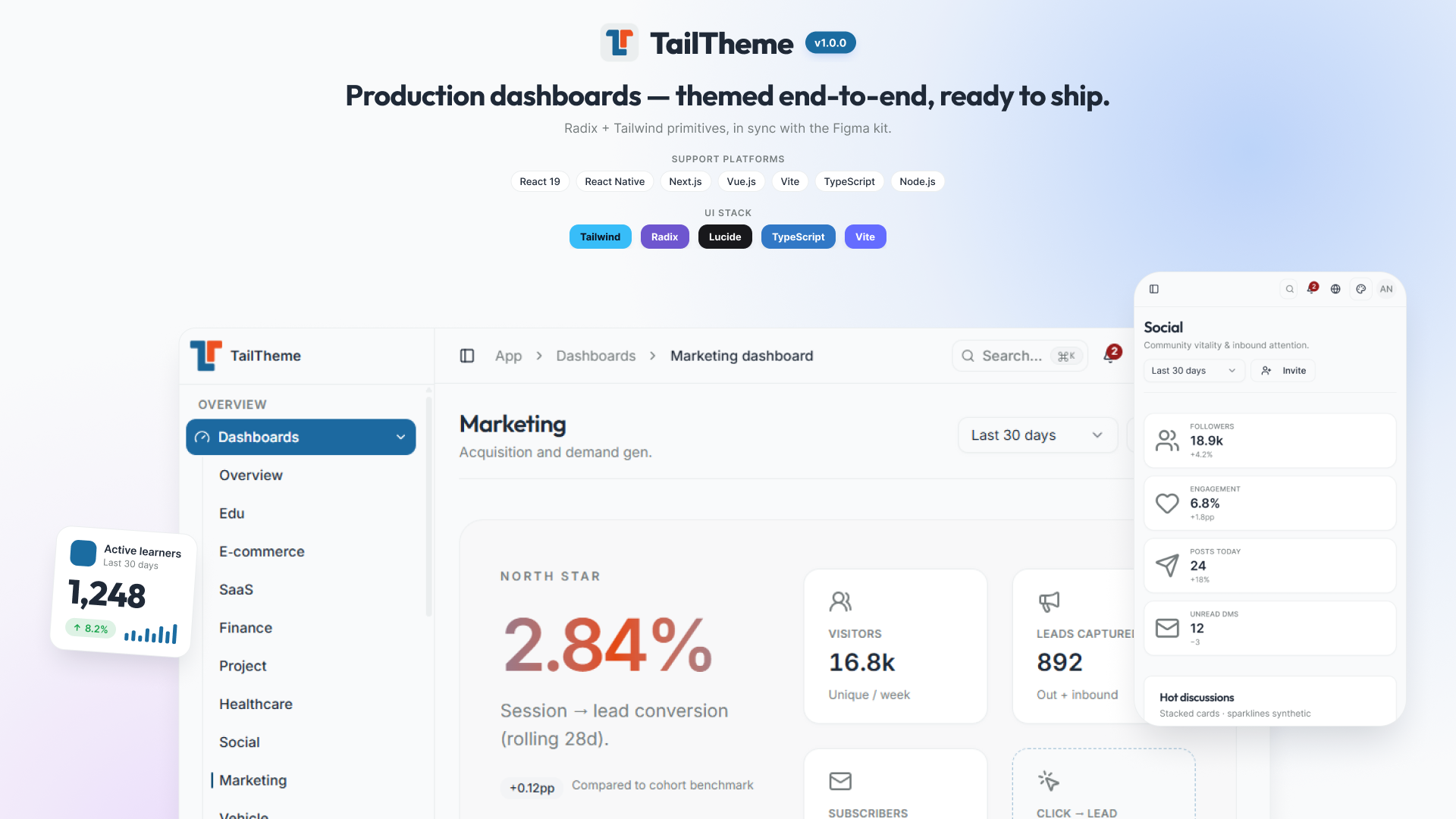
Built with the tools you already use
No bespoke framework. No surprise dependencies. Everyday React tooling — picked for stability, DX, and the smallest learning curve when your team takes over.
Editions
Lite and Full
Same design system. Lite is the lean starter; Full is the complete reference and exporter.
Swipe horizontally to compare editions.
| Compare editions Lite vs Full React 19 TypeScript Tailwind CSS 4 Vite | TailTheme React Lite Free Lean shell, dashboards, and sample pages — same design system. Get Lite | Full reference TailTheme React Full Free full reference Complete demo, UI gallery, and local project exporter. Get Full |
|---|---|---|
| Scope | ||
| Design system & tokens | Shared | Shared |
| Dashboards | Overview, SaaS, Project | Full demo set |
| Sample vertical pages | SaaS + Project samples | All sample verticals |
| UI docs gallery | Subset | Complete |
| create:project exporter | — | Included |
| Positioning | ||
| Best for | Starting lean | Reference & export |
Prefer a live walkthrough? Open the demo or support the project.
Showcase
Dashboard variations for real products
E-Commerce, Analytics, Marketing, CRM, SaaS, Finance, and more — open any card to preview the live demo.
-
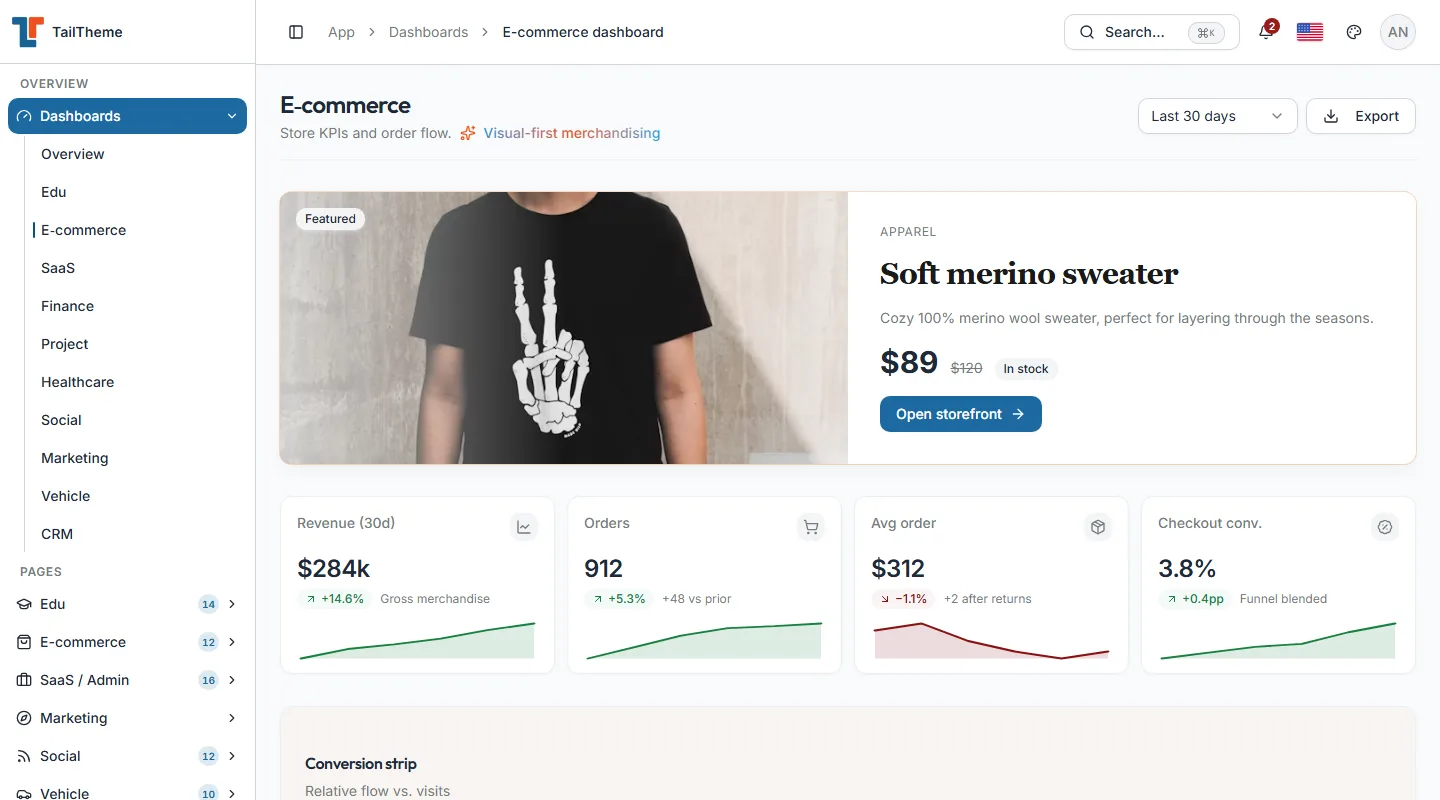
E-Commerce Dashboard
Complete online store admin dashboard with sales, revenue & customer growth analytics. Manage products, orders & inventory seamlessly.
-
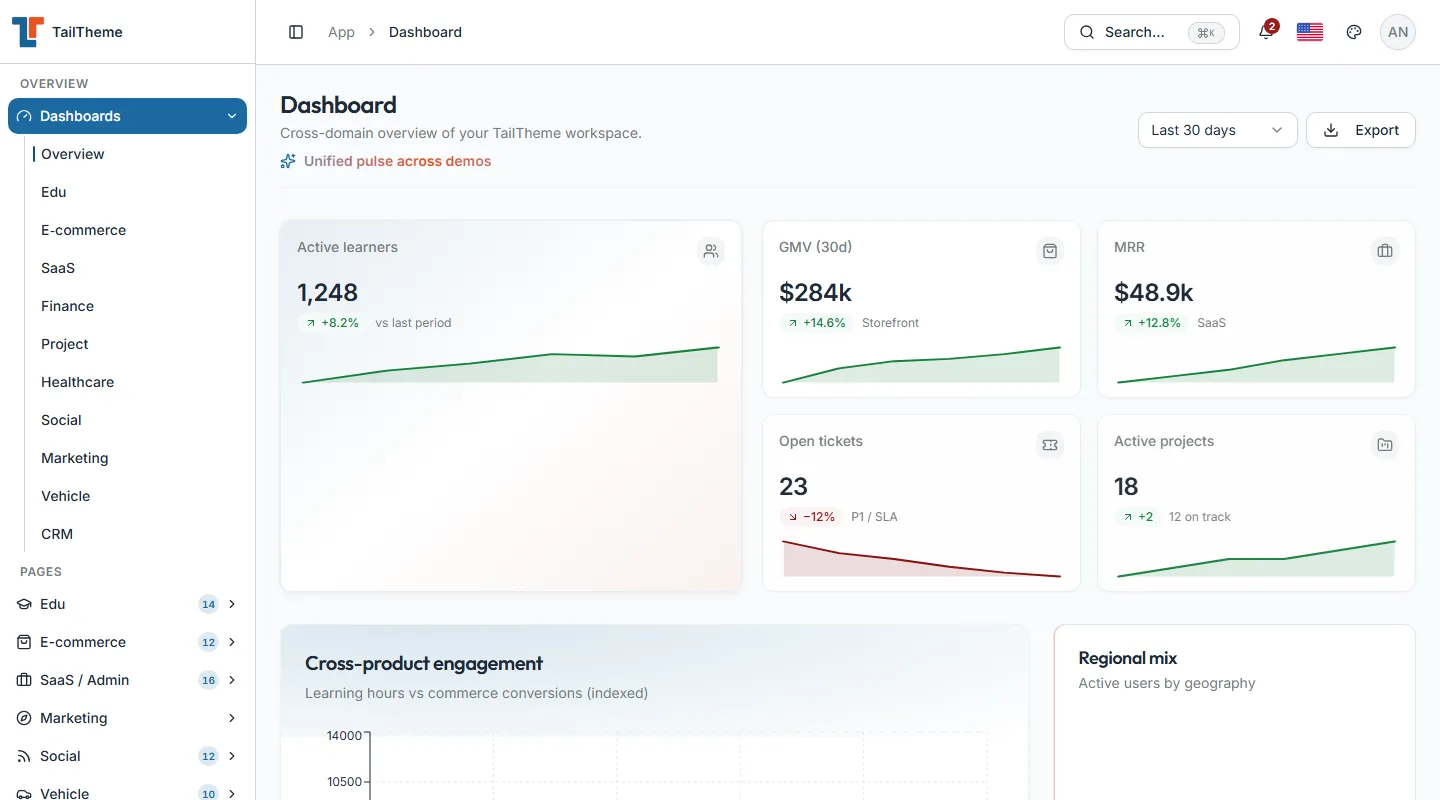
Analytics Dashboard
Comprehensive analytics dashboard with real-time data visualization, KPI tracking, and detailed performance metrics for data-driven decisions.
-
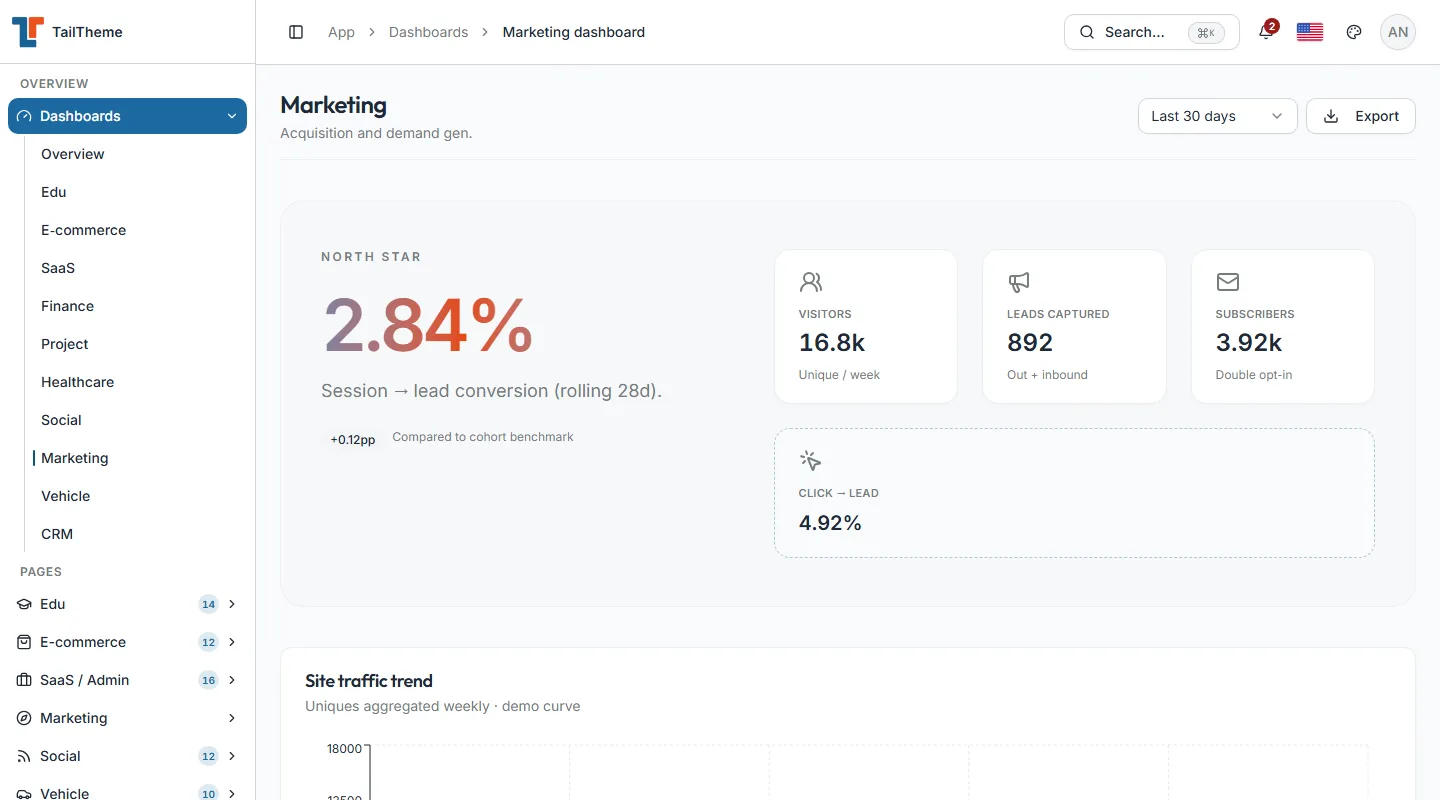
Marketing Dashboard
Complete marketing campaign management dashboard with ROI tracking, lead generation analytics, and conversion optimization tools.
-
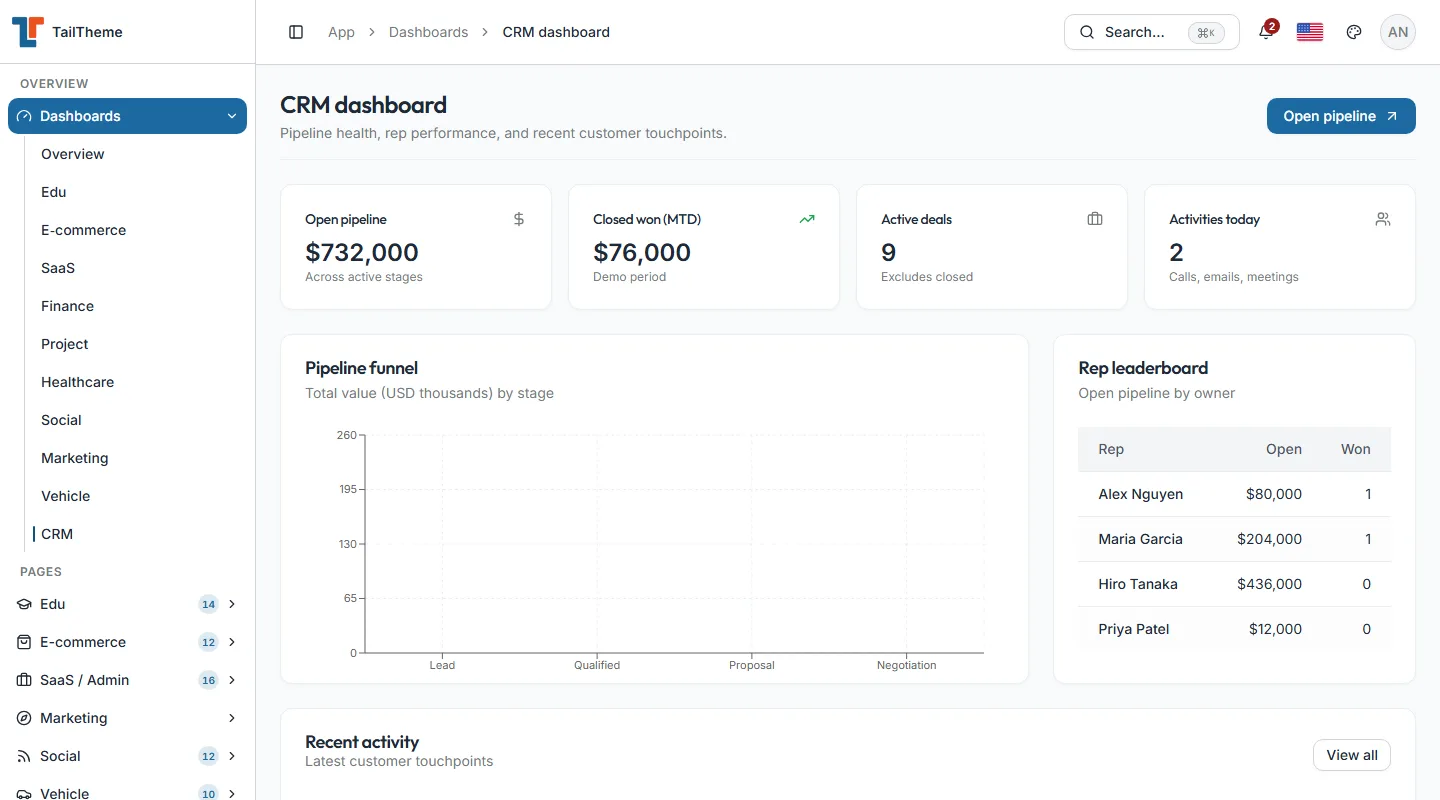
CRM Dashboard
Customer relationship management dashboard with sales pipeline tracking, lead management, and comprehensive customer analytics.
-
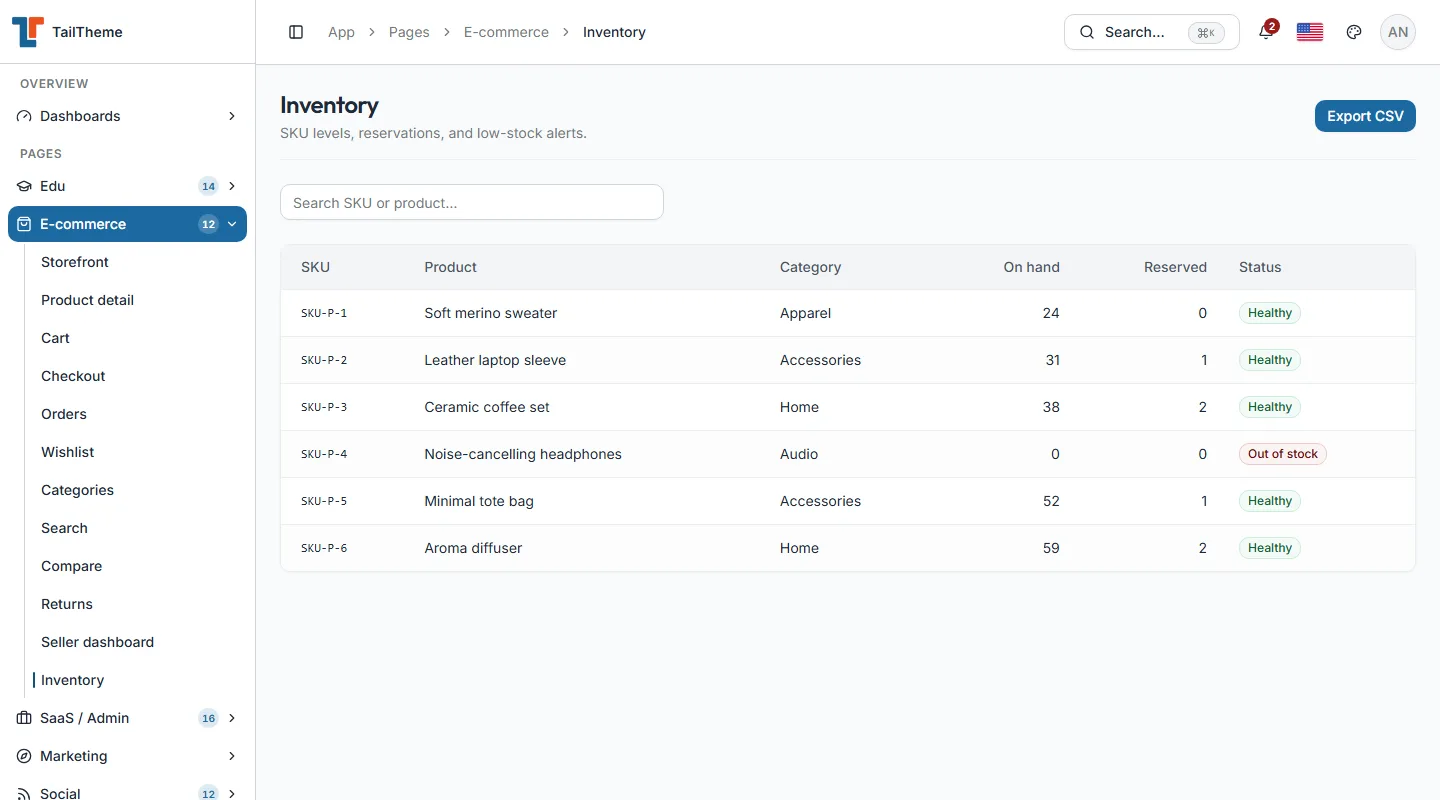
Stock Dashboard New
Inventory and stock management dashboard with real-time tracking, warehouse analytics, and supply chain optimization tools.
-
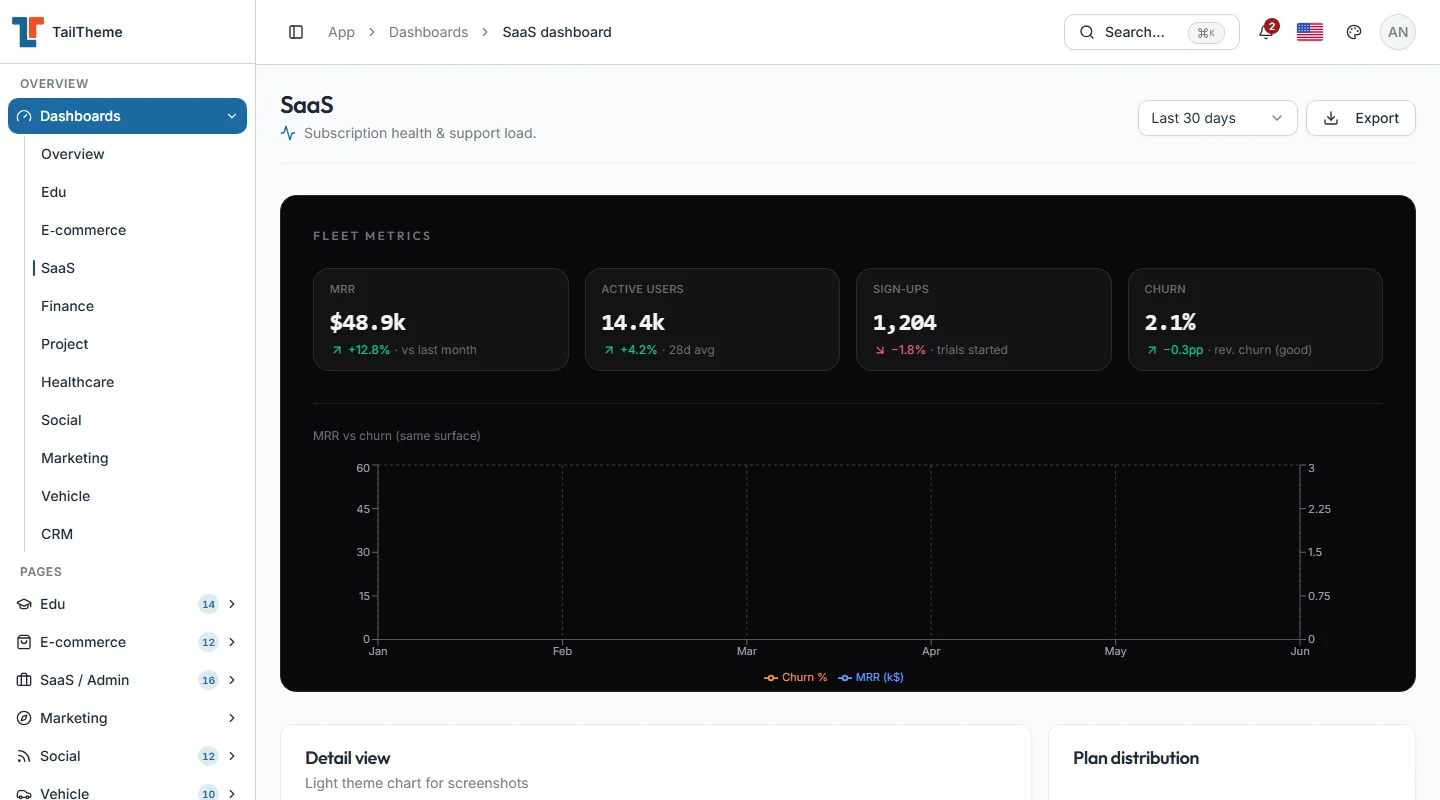
SaaS Dashboard New
Software-as-a-Service admin dashboard with subscription management, user analytics, and revenue tracking for SaaS businesses.
-
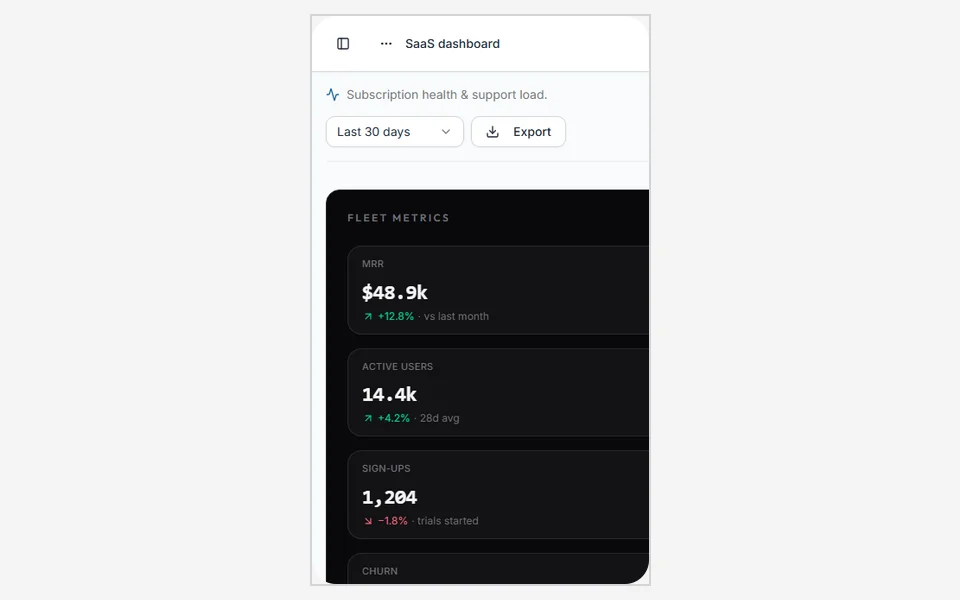
SaaS KPI Deck
Mobile SaaS command deck with metric grid, activity rail, and chart placeholders sized for phone screens.
-
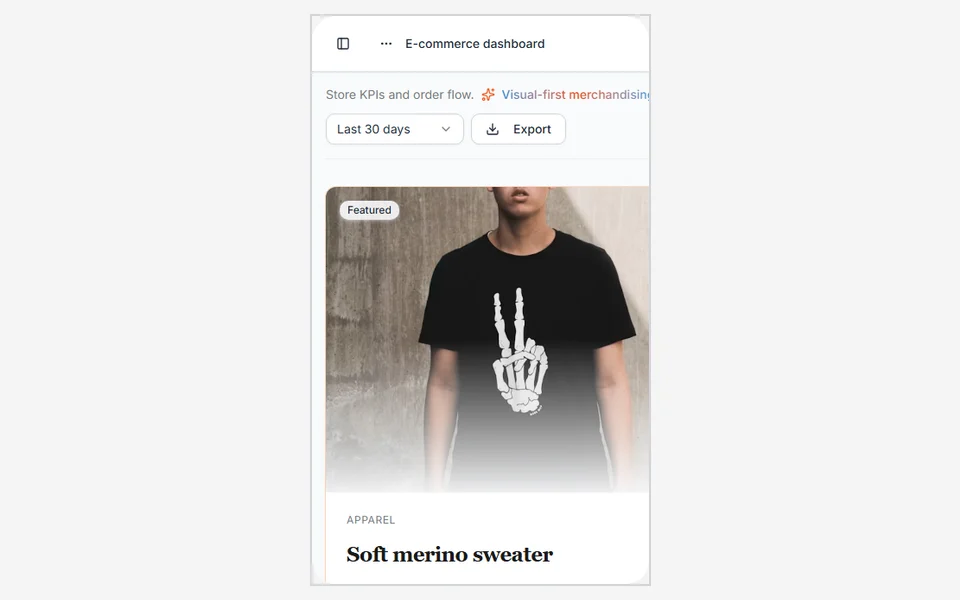
Commerce Grid
Two-column product grid with image cards and a sticky checkout CTA — ready for NativeWind storefronts.
-
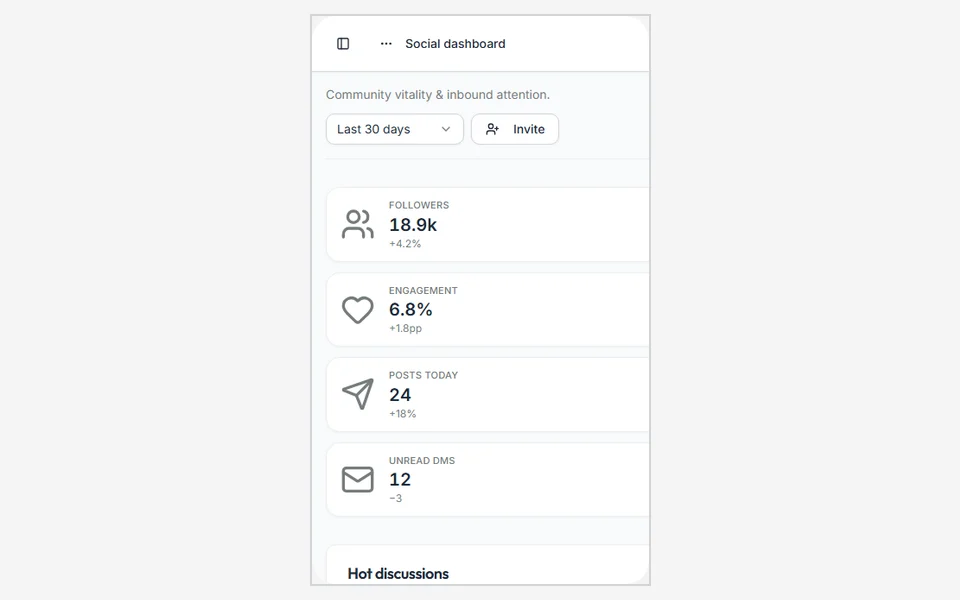
Social Feed
Vertical post feed with stories rail and engagement counters, matching the web design language on mobile.
-
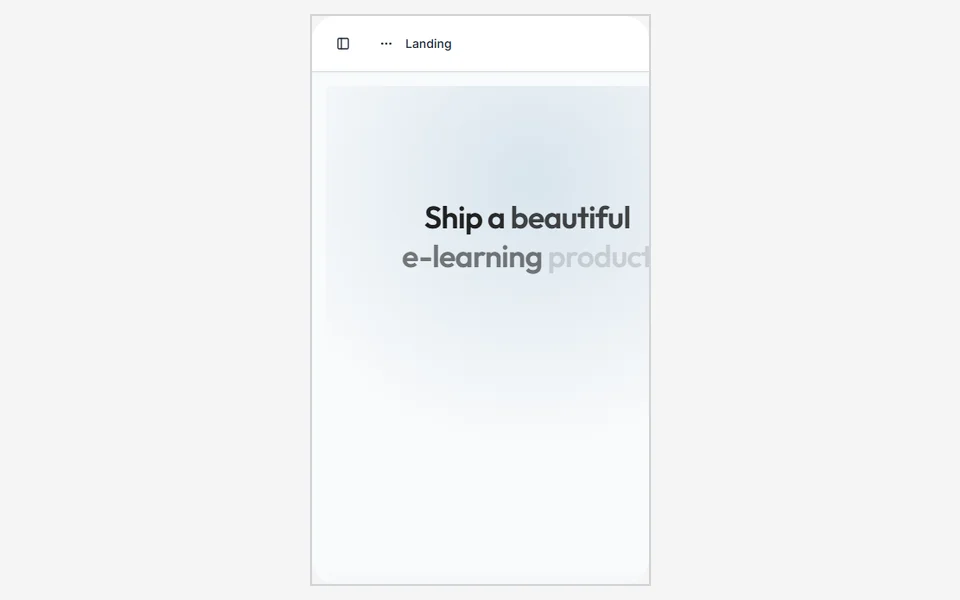
Marketing Hero
Scroll-collapse marketing screen with branded hero, chips, and CTA patterns for campaign apps.
-
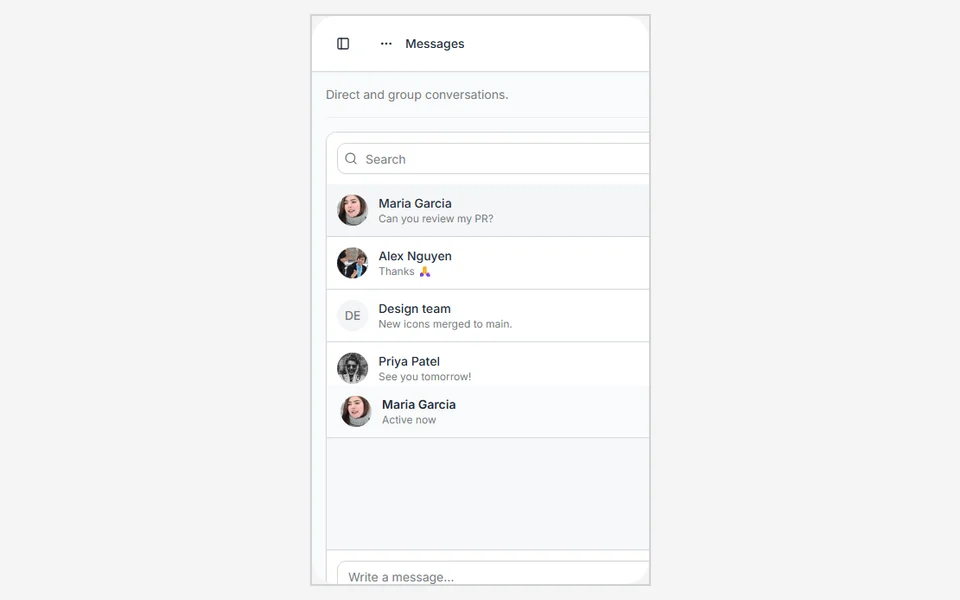
Inbox Tabs New
Top-tab inbox with All / Unread / Archived pager — Material-style navigation for messaging flows.
-
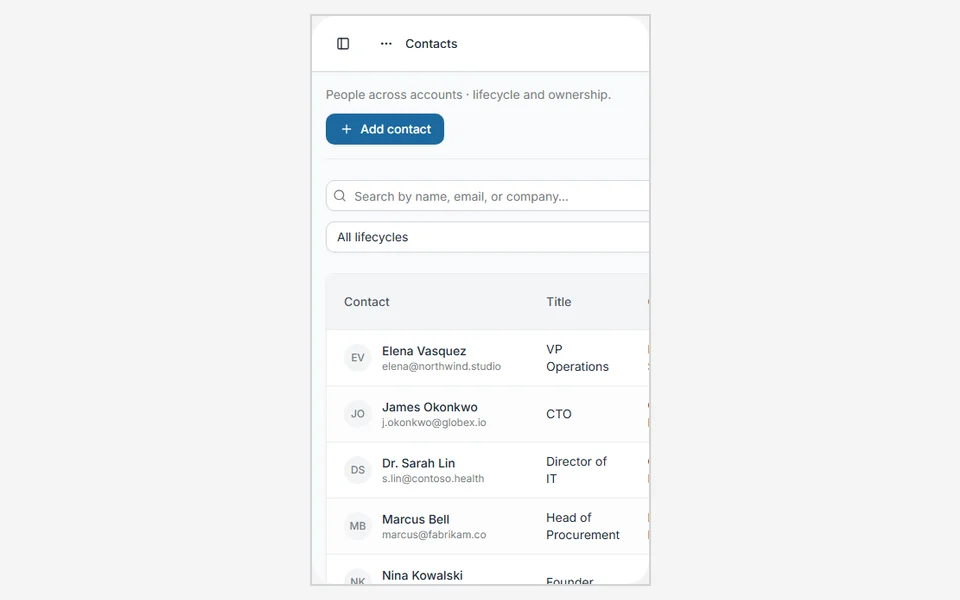
CRM Contacts New
Customer lists, deal summaries, and relationship cards optimized for one-handed mobile admin work.
Core features
Everything you need to build an admin panel
Essential UI, layouts, and theming — so you can ship dashboards faster without starting from scratch.
Design
Figma design system
Foundations, variables, and reference components for TailTheme Web — keep product and design in sync.
Quick start
Start from Lite or Full
Clone the MIT edition that fits your scope from GitHub, run the local Vite app, and theme with the shared tokens.
Frequently asked
Answers, before you ask.
-
What is TailTheme?
TailTheme is a frontend admin template for React. It includes app shells, dashboards, UI primitives, design tokens, sample pages, and appearance controls so you start from a polished interface instead of a blank project. It does not ship a production backend. Auth and data screens are frontend examples you connect to your own services.
-
What is the difference between Lite and Full?
Lite matches the historic Free-scope page set: Overview, SaaS, and Project dashboards, a UI docs subset, and the same shell patterns. Full is the complete demo, UI gallery, and local create:project exporter.
-
How can I try TailTheme?
Open the live React demo, explore the Figma design file, or clone Lite and Full from GitHub.
-
Can I use TailTheme in commercial projects?
Yes. You may use Lite and Full in commercial, client, and SaaS work. See the license policy for attribution requirements.
-
How do I get support?
Use the docs and FAQ first. For voluntary support of maintenance, visit the donate page (Ko-fi, PayPal, or MoMo).
-
Is there a paid license or refunds?
No. This site does not sell a commercial license. Donations are voluntary and not purchases.
-
What stack does TailTheme use?
React 19, Vite, TypeScript, and Tailwind CSS v4 with semantic design tokens. Full includes additional demo pages and tooling.
-
Is there a Figma file?
Yes. The design system and reference layouts live in the TailTheme Web Figma file linked from the site header and footer.
Support
Help keep TailTheme growing
Voluntary donations via Ko-fi, PayPal, or MoMo support maintenance by Ezway Tech.